Click on the running dog
to watch the puppies play!
You rule the cameras!  Click on the title of each camera to move it around to see what YOU want!
Webcam Hours:  7:15am to 8:00pm everyday


Webcam Troubleshooting:

I can't see the webcams at all or I see a little box in the corner of the camera screen.
      * Your computer will need to use ActiveX to view the webcams.  If your computer does not prompt you to download ActiveX when you click on webcams, your computer's security settings are probably preventing you from using it.   To fix this, click on "tools" at the top of your screen.  Then, click on "internet options" then "security" then "custom level."  On the custom level screen, set your computer's ActiveX settings to "enable" or "prompt."  Also, try setting your internet security to the medium level. 
I can't see any cameras by clicking on option #1, motion JPEG.
     * Try option #2, JPEG refresh.
When I click on multi-camera,  only the PlayZone camera displays.
     * This is a commom problem with high-security workplace computers.  Check your computer's firewall.  The PlayZone camera runs through the main port.  You may need to disable the firewall to view the other three cameras through the other ports.  Your I.T.  person at work may be able to help you change your computer's security settings if allowed.
I have viewed the webcams on my computer before, but they aren't working today.
     *Give us a jingle, they might need to be reset.
I don't see any dogs, or I only see a white wall or green plants.
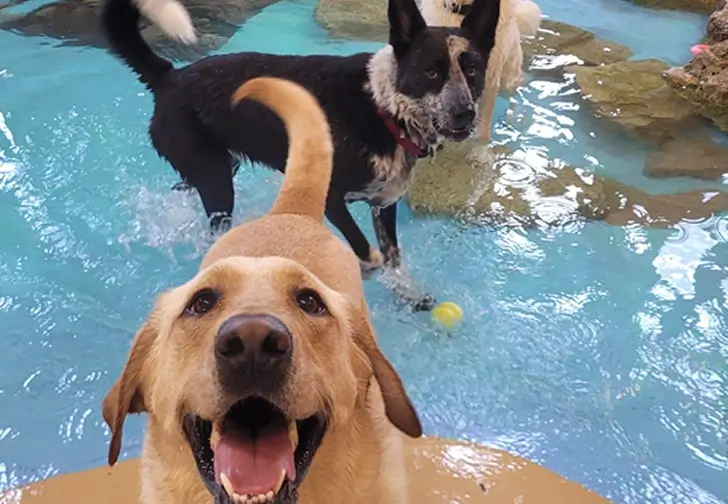
     *Click on "Poochie Pool," "PlayZone," "SlumberZone,"  or "PiratesCove" at the top of the screen and use the directional controls to move the cameras around.   Click on the circle in the middle of the directional arrows to view the center of the room.
I can only see the "Playzone" webcam.
     *Be sure to click on "multi camera"
The webcam screens are blue.
     *The cameras turn off at bedtime (8:00pm) and turn back on at 7:15 am. 
The webcam screen is dark.
     *It's probably naptime!  (12pm to 1:30pm daily)
I still can't get the cameras to work.
     *We'd be happy to help!  Just give us a call and we'll be happy to assist you in anyway we can.


Woof Dah! Inc.
1566 Cliff Road E.
Burnsville, MN 55337
Open 365 days a year.  Staffed 24 hours a day.

(952) 895-1700
Fax:  (952) 400-3088
Email:
info@woofdah.com
Copyright 2008-2009 , Jillian Garcia

Site Powered By
    WebBizBuilder Site Manager
    Online web site design